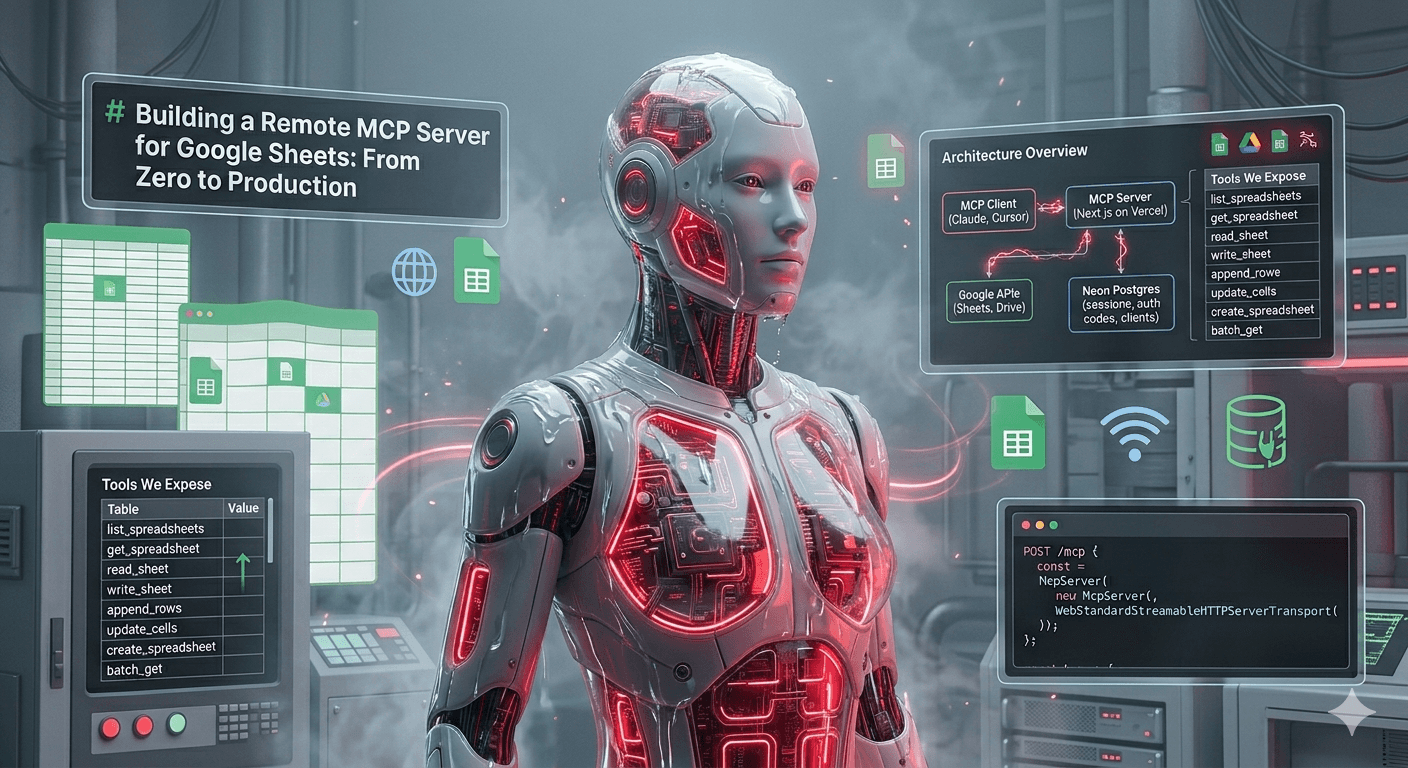
Ferramentas de IA para o Dia a Dia do Dev
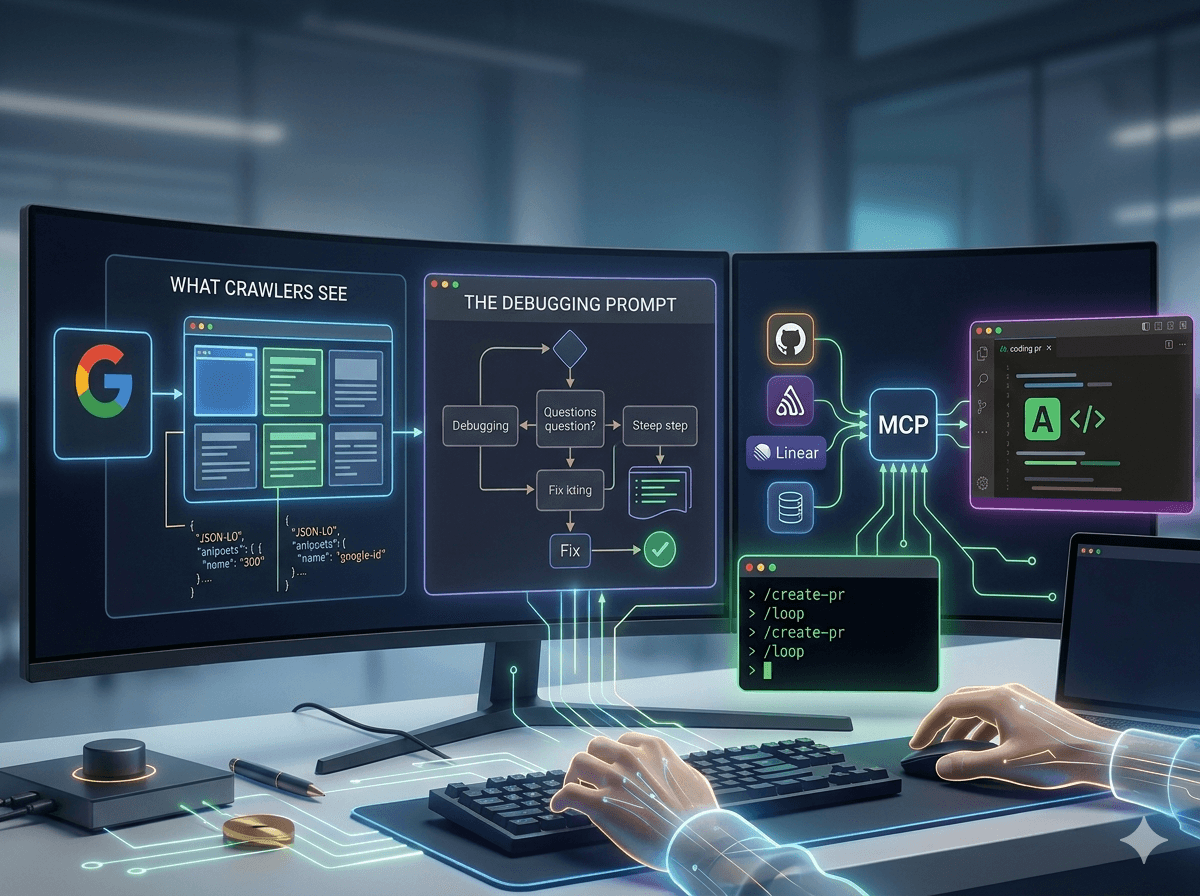

Ferramentas de IA no Dia a Dia do Dev
Técnicas, integrações e skills personalizados que uso diariamente como desenvolvedor trabalhando com assistentes de IA.
Neste post:
- O que os Crawlers Veem — simulação do Googlebot, auditorias de SEO e Answer Engine Optimization
- O Prompt de Debugging — diagnóstico estruturado ao invés de loops de tentativa e erro
- Workflows com MCP — triagem do Sentry, PRs automáticos, consultas seguras ao banco
- Funcionalidades do Claude Code — mobile, teleport, /loop, hooks, Dispatch
O que os Crawlers Veem 👀🤖
Quer ver o que o Google enxerga quando rastreia seu site? No Chrome DevTools:
- Abra seu site → Inspecionar → aba Network
- Clique no ícone de Network Conditions (ícone de wifi)
- Desmarque "Use browser default" → selecione "Googlebot"
- Recarregue a página
 Dica compartilhada por Lucas Cruz
Dependendo da sua estratégia de renderização, os crawlers podem ver algo completamente diferente dos seus usuários.
SSR vs SPA
| SSR (Next.js) | SPA + Express | |
|---|---|---|
| Renderização | HTML completo no servidor para todos | Client-side para humanos, HTML leve para bots |
| Estratégia para crawlers | Nenhuma necessária | Detecção de bots + renderização dinâmica |
| O que crawlers veem | Mesma página estilizada dos usuários | HTML mínimo com meta tags e dados estruturados |
| Manutenção | Um caminho de renderização | Dois caminhos de renderização |
SSR envia HTML completo para todos — crawlers incluídos. SPAs enviam um shell vazio e dependem de JS, então os times implementam renderização dinâmica: detectam user-agents de bots e servem HTML pré-construído com meta tags e dados estruturados.
Conclusão: SSR te dá renderização amigável para crawlers de graça. SPAs precisam de renderização dinâmica — funciona, mas significa manter dois caminhos.
Auditorias de SEO com IA
O SEO Audit skill do Corey Haines executa auditorias completas direto do terminal. Avalia crawlability, Core Web Vitals, otimização on-page, qualidade de conteúdo (E-E-A-T) e sinais de autoridade — e entrega um plano de ação priorizado adaptado ao tipo do seu site.
O que é um skill do Claude Code? Templates de prompt reutilizáveis invocados com comandos slash (ex:
/seo-audit). Pense neles como playbooks para seu assistente de IA. Atenção:web_fetchecurlnão detectam dados estruturados de forma confiável, já que muitos plugins de CMS injetam JSON-LD via JavaScript. Use o Google Rich Results Test.
Além do Google: aeo.js
58% das buscas terminam sem um clique — a IA responde diretamente. E 97% dos sites não têm llms.txt ou dados estruturados para crawlers de IA.
aeo.js (Answer Engine Optimization) gera os arquivos que motores de IA precisam para descobrir e citar seu conteúdo: llms.txt, llms-full.txt, robots.txt com diretivas para IA, sitemap.xml, JSON-LD e um índice de conteúdo para IA.
Funciona como plugin para Next.js, Astro, Vite, Nuxt, Angular, ou standalone via CLI.
SEO tradicional garante que o Google indexe suas páginas. AEO garante que motores de IA consigam entender e citar seu conteúdo.
O Prompt de Debugging
A maioria das pessoas diz "corrige esse bug" para assistentes de IA e fica presa em loops de tentativa e erro. Esse padrão de prompt funciona muito melhor:
"Reflita sobre 5-7 possíveis fontes do problema, reduza para as 1-2 mais prováveis, e então adicione logs para validar suas suposições antes de partirmos para a implementação da correção."
Por que funciona:
- Pensamento amplo — 5-7 causas possíveis previne visão de túnel
- Priorização — reduz para 1-2 mais prováveis, como devs experientes fazem
- Validação primeiro — adiciona logs antes de mexer no código
Exemplo real:
"O progresso do programa não está funcionando — usuários completam o programa mas o progresso não aparece para os coaches.
Reflita sobre 5-7 possíveis fontes do problema..."
A IA identificou invalidação de cache, race conditions, problemas de escopo de permissão, timing de eventos, bugs de agregação e mais. Reduziu para dois, adicionou logs direcionados, confirmou a causa raiz — e então corrigiu.
Insight chave: dê à IA um framework de diagnóstico, não apenas uma tarefa.
Workflows com MCP
MCP (Model Context Protocol) permite que o Claude Code se conecte a ferramentas externas — Sentry, GitHub, Linear, bancos de dados — com acesso autenticado. Ao invés de copiar e colar stack traces, o Claude busca o que precisa diretamente.
Três skills que uso diariamente:
Triagem do Sentry
Vá de erro em produção a PR de correção sem sair do terminal:
- Sentry detecta um erro com stack trace completo e contexto
- Claude conecta via MCP, lê detalhes do erro e arquivos afetados
- Claude analisa, cruza com seu codebase e propõe correção
- PR é gerado com fix, descrição e referência ao issue do Sentry
Antes: alerta Sentry → dashboard → stack trace → achar arquivo → entender → corrigir → PR. ~30 min.
Depois: alerta Sentry → pedir ao Claude → revisar PR. ~5 min.
Você pode transformar isso em um skill reutilizável que classifica issues em três níveis:
| Prioridade | Tipo | Ação |
|---|---|---|
| P1 — Bugs de Código | Exceções não tratadas, null pointers, race conditions | Corrigir no código |
| P2 — Ruído | Cenários esperados logados como erro, exceções tratadas | Reduzir severidade — nunca remover logging |
| P3 — Externo | Timeouts de terceiros, erros de webhook | Adicionar retries e timeouts |
O skill busca issues não resolvidos, investiga cada um, verifica correções anteriores, aplica mudanças direcionadas e apresenta uma tabela resumo. O que era "dia de limpeza do Sentry" vira uma rotina de 5 minutos.
Criação Automática de PRs
Diga "create pr" e o Claude cuida do resto:
- Identifica o issue pelo nome da branch ou ID, busca detalhes via MCP
- Lê o diff completo — todos os commits, todos os arquivos alterados
- Gera o PR — título conciso, template preenchido, checklist de QA, push se necessário
- Linka de volta ao issue para rastreamento bidirecional
Resultado: descrições precisas (do diff real), completas (sem arquivos esquecidos) e consistentes (segue seu template sempre).
Proteção: PRs com mais de ~1.000 linhas ganham descrição extra detalhada e uma sugestão de considerar dividir.
Encadeie: Fix → Commit →
/create-pr ENG-1234— de erro em produção a PR revisável sem sair do terminal.
Consultas Seguras ao Banco de Dados
O gargalo: PM precisa de números de onboarding, suporte precisa ver status de assinatura, designer quer dados de uso — todos pedem para engenharia e esperam.
Solução: um servidor MCP que dá ao Claude acesso read-only ao banco.
Claude Code → MCP Server → Túnel SSH → Read Replica → PostgreSQL
Três camadas de proteção contra escrita:
- Aplicação — regex rejeita palavras-chave de escrita antes de tocar no banco
- Sessão —
SET default_transaction_read_only = onem toda query - Usuário do banco — usuário
readonlydedicado com apenas permissões SELECT
Query → [Regex] → [Sessão read-only] → [Permissões do usuário]
Qualquer camada sozinha previne escritas. As três juntas tornam virtualmente impossível.
Queries de produção passam por uma read replica — zero impacto de performance no app, mais proteção física contra escrita no nível de infraestrutura.
O Claude descobre schemas autonomamente, lê modelos ORM para entender relacionamentos, redacta campos sensíveis na saída e aplica LIMIT 20 por padrão.
O impacto: PMs validam hipóteses em tempo real. Suporte debugga sem escalar. Designers conferem padrões de uso. Engenheiros investigam incidentes mais rápido. Tudo sem saber SQL, sem credenciais e sem risco de escrita.
O valor não é consultar mais rápido — é remover o gargalo. Quando dados demoram 30 segundos ao invés de horas, eles passam a fazer parte de toda decisão.
Funcionalidades do Claude Code
Do thread do Boris Cherny — funcionalidades que valem adicionar ao seu workflow:
- App mobile — aba Code no app Claude iOS/Android. Faça mudanças sem laptop.
- Teleport —
claude --teleportou/teleportpara continuar uma sessão cloud localmente./remote-controlpara controlar uma sessão local pelo celular. - /loop & /schedule —
/loop 5m /babysitexecuta comandos em intervalo (auto-rebase, rodar testes)./scheduleroda Claude automaticamente por até uma semana. Cron jobs para sua IA. - Hooks — injete lógica em pontos do ciclo de vida: carregar contexto no SessionStart, logar comandos no PreToolUse, rotear permissões para WhatsApp/Slack.
- Dispatch — controle remoto seguro para o Claude Desktop. Use MCPs, browser e ferramentas locais de qualquer lugar.
Referências: